

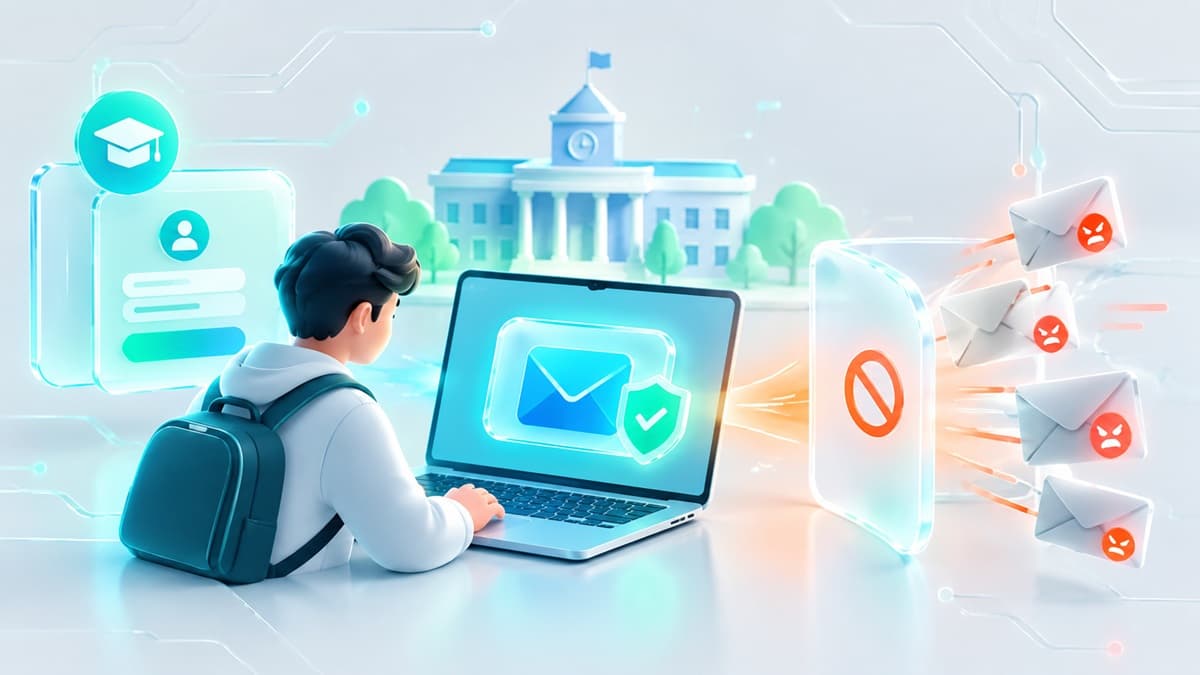
Temporary Email for Students: Campus Signups Without the Spam
Every campus signup is a future spam campaign. University Wi-Fi portals, student club sheets, campus hackathons, and gated academic software downloads all demand an email address before granting access. Handing over your primary personal address or your official university inbox to these third-party systems guarantees an endless stream of marketing blasts, newsletters, and potential data leaks.
Using a temporary email for students is the most effective way to isolate your real mailbox from throwaway campus registrations. A temporary email address is a real-time, disposable inbox generated instantly without registration. It receives incoming messages, activation links, and verification codes for a limited period before self-destructing, keeping your personal data secure and your primary inbox clean.
Quick Summary
- Best For: Logging into campus guest Wi-Fi, downloading gated academic research papers, registering for one-off student events, and testing software trials.
- Not For: Accessing official university portals (like Canvas or Blackboard) or verifying student discounts on platforms like UNiDAYS and SheerID that require active institutional domain ownership.
- The Strategy: Use disposable inboxes for immediate, one-off signups. For long-term verified student discounts, use email aliasing over your official student email to protect your privacy.
The Privacy Risk of Campus Signups
During any given semester, students register for dozens of secondary services. These range from local gym memberships and food delivery apps to study tools, citation generators, and event ticketing platforms. The security policies of higher education institutions rarely extend to the third-party vendors operating on or near campus. This leaves external databases highly vulnerable to credential leaks and data breaches that expose your primary email address.
When you submit a permanent email address to off-campus service providers, your address is indexed, cross-referenced with your name, and frequently sold to commercial data brokers. Once your address enters these marketing databases, removing it is nearly impossible. Isolating these temporary activities behind a disposable email address prevents third-party marketers from linking your physical campus identity to your permanent online footprint.
When Disposable Email Works for Students (And When It Doesn't)
Using a temporary mailbox requires a clear understanding of where ephemeral addresses succeed and where modern security systems will reject them.
Ideal Use Cases for Students
- Campus Wi-Fi & Guest Networks: Accessing local coffee shop networks or temporary campus event Wi-Fi that mandates an email submission before granting internet access.
- Gated Academic Research & PDF Downloads: Accessing whitepapers, case studies, or developer tools hidden behind a forced registration wall. For a detailed guide on handling these assets safely, read our analysis on the Best Temp Mail for Software Downloads and Gated Content.
- Software Free Trials & Hackathons: Testing developer tools, APIs, or SaaS platforms for a class project without tying your identity to a recurring marketing or billing funnel.
- Student Club & Event Registration: Joining student-run organizations, signing up for intramural sports, or RSVPing to social events where sign-up sheets are managed on public forms.
Scenarios Where Disposable Inboxes Fail
- Academic Portals & Learning Management Systems (LMS): Platforms such as Canvas, Blackboard, and university registrar portals require single sign-on (SSO) credentials tied directly to your institutional identity.
- Student Discount Identity Verification: Discount gateways verify academic status by checking whether the recipient address ends in an approved institutional domain (such as
.eduor.ac.uk). Standard temporary mail services operate on generic public domains and are rejected by these verification engines. - Multi-Factor Authentication (MFA) Accounts: Financial portals, primary email recovery addresses, and academic portals that require multi-day login continuity and persistent access.
Why Student Discount Verification Engines Block Disposable Mail
Services like SheerID and UNiDAYS exist to prevent discount fraud. When a software developer, streaming service, or hardware manufacturer offers a steep student discount, the verification engine runs automated domain checks against incoming email addresses.
First, the system parses the domain extension. If the domain does not belong to an accredited higher-education DNS registry, the request is instantly denied. Second, verification providers query dynamic blacklists of disposable email domains. If an address matches a known throwaway provider, the portal flags the submission as fraudulent. For a deeper technical breakdown of how security platforms identify disposable infrastructure, see our analysis on how website detection of temporary email works.
If your goal is to secure verified student discounts while hiding your main address, a disposable inbox is the wrong tool. Instead, set up an email alias that forwards incoming mail from your real student address to your primary personal inbox, as detailed in our guide on email aliases vs disposable inboxes.
Step-by-Step: Using a Temporary Email for Student Signups
When signing up for guest Wi-Fi, event tickets, or developer trials, follow this step-by-step process to maintain zero-trace isolation.
Step 1: Generate the Disposable Address
Open a temp mail provider in your browser or launch a dedicated browser extension. No account creation, password setting, or personal input is required to generate the address.
Step 2: Copy the Target Address
Copy the auto-generated email string directly to your clipboard with a single click.
Step 3: Submit the Form
Navigate to the service registration page you wish to access. Paste the temporary address into the email field and complete the remaining required inputs with non-identifying information.
Step 4: Retrieve the Verification Code
Switch back to your temporary inbox tab. Incoming messages appear automatically in the web interface. Click the confirmation link or copy the numeric one-time password (OTP). If you face delays receiving codes, read our troubleshooting guide on why temp mail sometimes misses OTP messages.
Step 5: Complete Account Setup
Enter the verification code into the registration portal. The entire process typically takes under 45 seconds and leaves no permanent link to your real identity.
What Disposable Addresses Protect (and What They Don't)
A throwaway inbox is an effective isolation layer, but it is not a complete anonymity solution. Understanding its boundaries ensures you do not mistake inbox privacy for total network anonymity.
What Is Protected
- Primary Inbox Cleanliness: Third-party vendor updates, newsletter drips, and sold contact lists end up in a self-destructing mailbox rather than clogging your primary account.
- Cross-Site Identity Correlation: Marketing networks cannot link your activity across different web services when every account is registered under a completely different, unlinked domain name.
- Credential Leakage: If the vendor suffers a database breach, the leaked email address is already expired and useless to malicious actors.
What Remains Exposed
- IP Address and Network Logs: Your local IP address, physical location, and network hardware details (such as your MAC address on campus Wi-Fi) remain visible to the website host and campus network administrators.
- Device Fingerprints: Web tracking scripts can still read browser parameters, screen resolution, operating system details, and installed fonts regardless of the email address submitted.
- Form Content Inputs: Any real personal information typed into registration fields (such as your legal name, physical address, or phone number) is still captured by the destination site.
Gotchas to Avoid on Campus Networks
Using disposable email on university networks presents specific operational edge cases that can disrupt your workflow if unaccounted for.
1. Shared IP Rate Limits
Campus Wi-Fi networks route thousands of students through a small pool of shared public IP addresses. Some temporary email platforms restrict the creation of new inboxes per IP address to prevent automated abuse. If your university network triggers a rate limit on free disposable services, utilizing programmatic access via a developer-focused burner email API or switching to mobile cellular data bypasses the shared Wi-Fi throttling.
2. Captive Portal Session Drops
Campus Wi-Fi guest portals often restrict internet traffic until the email address submitted in the gateway is verified. If the campus network blocks external WebSockets—the technology used by some temporary mailboxes to push real-time updates—open your inbox tab before connecting, or use cellular data on your mobile device to receive the activation email, then click the link to authorize the Wi-Fi session.
3. Session Expiration During Extended Labs
If you are using a 10 minute mail inbox to register for a cloud lab environment or classroom trial, closing your browser tab terminates access to that address. If the service sends a mandatory re-authentication code mid-session, you will be locked out. Extend the inbox timer before starting long tasks, or opt for a standard 3-day temporary mailbox duration.
How to Migrate an Account to a Permanent Email
Sometimes a trial or club account created with a disposable address turns out to be highly valuable long-term. To prevent losing access when the temporary inbox expires, migrate the account to a permanent email address immediately.
Step 1: Access Account Settings
Log into the target platform and navigate to the account settings, profile, or security menu.
Step 2: Initiate Email Change
Enter your permanent personal email address or a persistent forwarding alias into the "New Email" field.
Step 3: Confirm via Ephemeral Inbox
Check your temporary inbox tab for the change authorization request sent by the platform and click the approval link.
Step 4: Confirm via Permanent Inbox
Open your permanent email inbox, locate the secondary security confirmation link sent by the platform, and confirm the transfer. Once both links are processed, the account is fully detached from the disposable address.
Streamlining Student Workflow with Best-TempMail
For students who need quick, reliable throwaway inboxes without navigating complex signups or ad-heavy interfaces, Best-TempMail provides immediate email generation. Inboxes update instantly without manual page refreshes, ensuring OTP codes and confirmation links arrive the moment they are sent.
Best-TempMail offers standard 3-day temporary mailboxes alongside 10-minute extendable inboxes, allowing you to choose the exact operational lifespan required for your project. Additionally, developers and computer science students building automation or QA testing scripts can access the free developer API at https://api.best-tempmail.com/v1 to programmatically generate inboxes and fetch messages without requiring API keys or account registration. To explore additional developer and conversion utilities, visit our free email tools suite.
Frequently Asked Questions
Can I use a temporary email address to get student discounts on UNiDAYS or SheerID?
No. Discount verification providers require a valid institutional domain (such as .edu) and maintain active blacklists of disposable email providers. To keep your primary address private while claiming student discounts, use a private email alias service connected directly to your university inbox.
Is it legal to use a temporary email address for campus signups?
Yes. Using a temporary address to protect your privacy on Wi-Fi portals, event signups, and online platforms is completely legal. However, you must still abide by the service's terms of service and avoid using disposable mail to bypass access restrictions or commit fraud.
What happens if I close my browser tab while waiting for a verification code?
If you are using a basic session-based temporary inbox, closing the tab may destroy the session and terminate access to incoming mail. If you expect delays in receiving a verification link, keep the tab active or use a platform that retains your temporary address across browser restarts. To learn more about inbox life cycles, see our detailed guide on what happens when temporary email expires.
Your temp mail is ready right now
No signup, no password. A disposable inbox waiting the moment you open the page.
Get My Free Temp Mail →