

What Is a Catch-All Email Domain (And Why It Ruins Your Bounce Rate)
Your email verification tool just gave you a "deliverable" status for a thousand leads, but your campaign metrics are bleeding. You have zero bounces, yet your open rates are in the single digits and your domain just hit a major blocklist. The culprit is likely a catch-all email domain—a server configuration that acts as a black hole for outbound marketing.
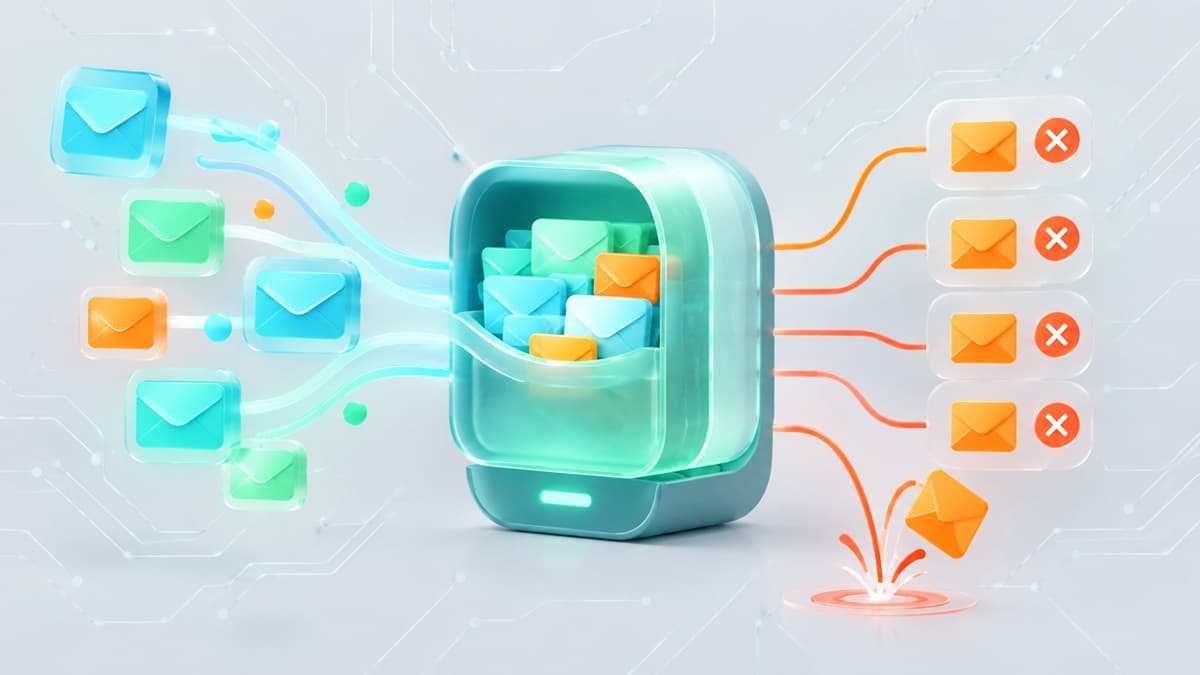
A catch-all email domain is a mail server setting designed to accept every message sent to the domain, regardless of whether the specific mailbox exists. Instead of rejecting mail sent to a non-existent user, the server accepts the data and routes it to a central "catch-all" inbox. While this sounds like a safety net for the recipient, it is a landmine for the sender.
The Technical Mechanics: 250 OK vs. 550 Failure
To understand why catch-alls are dangerous, you must understand the Simple Mail Transfer Protocol (SMTP) handshake. This is the digital conversation between your sending server and the recipient's receiving server.
In a standard configuration, the exchange follows a predictable path. Your server asks if a specific user exists. If they do not, the recipient server issues a 550 User Unknown error. This is a "hard bounce." It tells your system immediately that the address is dead, allowing you to scrub it from your list and protect your reputation.
A catch-all domain breaks this feedback loop. When your server asks if a non-existent user exists, the catch-all server responds with a 250 OK status. It lies to your server, claiming the recipient is valid even if the address is a random string of characters. The message is accepted into the server's queue, but it never reaches a human. It is either silently deleted, moved to a junk archive, or held in a master folder that no one checks.
Why Catch-All Domains Are a Deliverability Nightmare
If the server says "OK," why does it matter? The danger lies in the "silent failure." Because you aren't receiving hard bounces, your list hygiene looks perfect on paper while it is actually rotting.
1. The Illusion of List Health
List cleaning services work by pinging servers to see if they return a 550 error. When these services encounter a catch-all domain, they cannot verify the individual address. Most tools will label these as "Risky" or "Unverifiable."
If you ignore these warnings and send anyway, you are effectively emailing into a void. If 40% of your B2B list consists of catch-all addresses, and half of those addresses are for employees who have left their companies, you are sending massive volumes of mail to dead ends. Your "bounce rate" stays at 0%, but your "engagement rate" craters.
2. ISP Reputation and Engagement Scoring
Modern Inbox Service Providers (ISPs) like Google and Microsoft no longer rely solely on bounces to identify spammers. They prioritize engagement. They track how many of your emails are opened, clicked, or deleted without being read.
When you send to a catch-all domain, the engagement is always zero. The message sits in a server-side catch-all folder. To an ISP's algorithm, a sender who consistently hits addresses that never open mail looks like a low-quality spammer. Over time, this "engagement debt" causes your legitimate emails—sent to real people—to be routed directly to the spam folder.
3. The Spam Trap Connection
Catch-all domains are the primary breeding ground for "recycled spam traps." When a company goes out of business or an employee leaves, their old email address might be turned into a trap by security firms.
Because catch-all servers accept all mail, they are a magnet for automated scrapers and dictionary attacks. If you are sending to a catch-all domain that hasn't been cleaned in years, you are almost guaranteed to hit a trap. Unlike a standard bounce, hitting a spam trap results in an immediate, manual blocklist entry that can take weeks to resolve.
4. Delayed Asynchronous Bounces
Some sophisticated enterprise servers use a "gateway" approach. They accept the email at the front door (returning a 250 OK) to prevent hackers from "harvesting" valid emails through trial and error. However, once the email passes the gateway, an internal filter realizes the user doesn't exist and generates a bounce message hours later.
These delayed bounces are difficult to track. They often don't register in your real-time marketing dashboard, leading you to believe your campaign was successful when, in reality, your infrastructure is being flagged for high-volume invalid attempts.
The Business Logic: Why Do Companies Use Catch-Alls?
If catch-alls cause so much trouble for senders and attract so much spam for owners, why do they exist? For a business, the logic is usually rooted in "fear of missing out" (FOMO).
Scenario A: Preventing Typo Losses
If a potential client tries to email [email protected] but accidentally types [email protected], a standard server would bounce the email. The client might get frustrated and go to a competitor. A catch-all ensures that even mistyped leads are captured and can be manually sorted by an administrator.
Scenario B: Employee Turnover
When an employee leaves, their specific inbox is often deleted. A catch-all ensures that any ongoing projects or client communications sent to that former employee's address are still received by the company, preventing a total loss of the communication thread.
Scenario C: Security Through Obscurity
By accepting all mail, a company prevents "Directory Harvest Attacks." In these attacks, spammers send mail to thousands of variations (john@, jane@, jsmith@) to see which ones don't bounce. By accepting everything, the company makes it impossible for the spammer to know which addresses are actually assigned to real people.
How to Identify a Catch-All Domain
You cannot identify a catch-all address just by looking at it. You must test the server's behavior.
Manual SMTP Testing
You can verify a domain's configuration using a terminal. This process involves connecting to the mail server and attempting to send mail to a non-existent user.
- Find the MX Record: Use a tool like
nslookupto find the mail exchange server for the domain. - Connect via Telnet: Open a connection to the server on port 25.
- Initiate Handshake: Use the
HELOcommand to introduce your server. - Test a Fake Address: Use the
RCPT TOcommand with a string of random characters, such as[email protected].
If the server responds with 250 OK, the domain is a catch-all. If it responds with 550, it is a standard, verifiable domain.
Using Automated Tools
Manually testing every domain in a list of 5,000 leads is impossible. Professional marketers use a catch-all detector to automate this process. These tools perform the SMTP handshake in milliseconds and categorize your list into "Safe," "Invalid," and "Catch-all."
For developers and testers who need to verify how their own systems handle these responses, using Best-TempMail can provide a controlled environment for receiving and analyzing inbound SMTP traffic without risking a production domain.
Managing Catch-Alls in Your Outreach Strategy
You don't necessarily have to delete every catch-all address, but you must treat them with extreme caution.
The Tiered Sending Strategy
Do not lump catch-all addresses in with your "Verified" leads. Instead, segment them.
- Tier 1 (Verified): Send your main campaign from your primary domain.
- Tier 2 (Catch-all): Send a "feeler" campaign from a secondary domain or a "burner" sending identity.
If the Tier 2 campaign sees zero engagement or high delayed bounces, you know the catch-all addresses in that segment are likely dead.
Verification via Social Signals
Before emailing a catch-all address, cross-reference the lead on LinkedIn or a company directory. If the person has a recent post or an active profile, the address is likely valid despite the catch-all configuration. If the person hasn't updated their profile in five years, the catch-all is likely a graveyard for their old mail.
Infrastructure Hardening
If you are managing your own mail server, ensure your authentication is flawless. This includes setting up SPF, DKIM, and DMARC. To understand the technical requirements for high-deliverability mail setups, read our guide on how reliable temp mail infrastructure works.
Catch-All vs. Disposable Email: What’s the Difference?
It is common to confuse catch-all domains with disposable or "temp" mail services. However, they serve opposite purposes.
Catch-All Domains
Purpose: To capture all mail sent to a specific, permanent corporate or personal domain.
Longevity: Permanent.
Ownership: Managed by a company's IT department.
Risk: High list decay and engagement issues.
Disposable Email
Purpose: To provide a temporary, short-term inbox for a user who wants to avoid spam or sign up for a service anonymously.
Longevity: Minutes to hours.
Ownership: Managed by a third-party provider like Best-TempMail.
Risk: High immediate bounce rate if the inbox has already expired.
For users looking to protect their privacy, using a disposable email service is far more effective than setting up a catch-all, as it provides total isolation from your primary identity.
The Impact of Catch-Alls on Server Resources
If you are a domain owner considering enabling a catch-all, be prepared for the technical overhead.
Storage and Bandwidth
A catch-all domain is a magnet for "dictionary attacks." Spammers will send millions of emails to your domain using every possible name combination. If your catch-all is set to save these messages, you will exhaust your disk space and bandwidth within days.
Processing Power
Every incoming email must be scanned by your antivirus and anti-spam software. Processing 100,000 spam emails a day just to "catch" one mistyped client email is a poor trade-off in CPU cycles.
Security Vulnerabilities
Catch-all inboxes are often unmonitored. This makes them a perfect target for hackers to send "silent" phishing attacks. If an attacker gains access to the catch-all inbox, they can see every password reset request or sensitive document sent to any non-existent user at your company.
If your domain has already been flagged for spam due to catch-all issues, you must act quickly. Follow our checklist on how to get your domain off an email blacklist to restore your reputation.
Frequently Asked Questions
Is a catch-all email the same as an email alias?
No. An alias is a specific, defined address (e.g., support@) that forwards to a specific person. A catch-all is a wildcard that accepts anything@yourdomain.com, even if that "anything" was never created by an admin.
Why do verification tools say catch-all addresses are "Risky"?
They are labeled "Risky" because the server's "250 OK" response makes it impossible to tell if the specific mailbox is active. You are essentially "flying blind" when you send to these addresses.
Can I use Best-TempMail to test catch-all behavior?
Best-TempMail is designed for temporary, private communication and testing. While it allows you to see how emails are received, it is an on-demand service rather than a permanent catch-all routing system for a corporate domain.
How do I disable a catch-all on my own domain?
Most hosting providers (like cPanel, Google Workspace, or Microsoft 365) have a "Mail Routing" or "Default Address" setting. Change this setting from "Forward to [address]" to "Discard with error" or "Fail." This ensures your server correctly issues 550 errors to invalid senders.
Will disabling my catch-all improve my deliverability?
Yes, indirectly. By disabling the catch-all, you stop receiving massive amounts of spam and dictionary attacks. This reduces the load on your server and prevents your IP address from being associated with high-volume, low-quality mail traffic, which ISPs look at when determining your sender reputation.
Your temp mail is ready right now
No signup, no password. A disposable inbox waiting the moment you open the page.
Get My Free Temp Mail →