

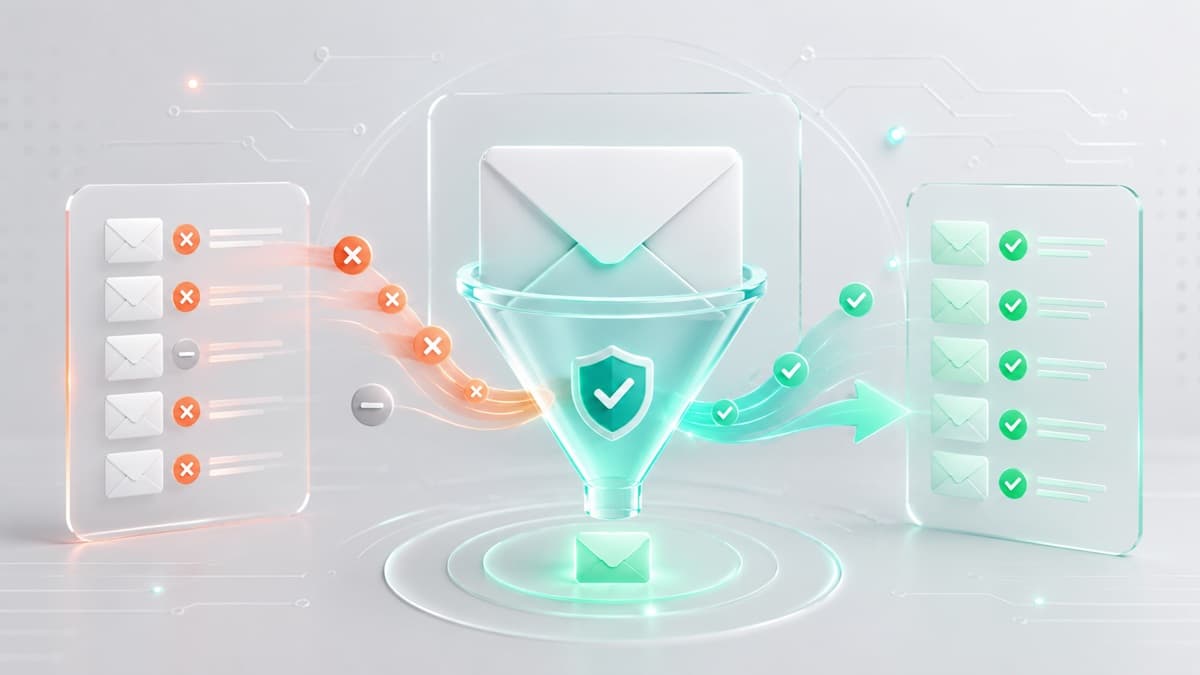
How to Clean an Email List Before Your Next Campaign
Uncleaned email lists decay by roughly 22% every year. Subscribers abandon old job inboxes, switch providers, or register with fake addresses. Sending a major campaign to a stale database tanks your sender reputation, spike bounce rates, and triggers automated filters at Gmail, Yahoo, and Microsoft that route your emails straight to spam.
Learning how to clean an email list protects your domain reputation, lowers billing costs with your Email Service Provider (ESP), and ensures your marketing messages reach subscribers who actually want them.
Quick Summary: How to Clean an Email List
To clean your list before running your next major send:
- Back up your database: Export your raw subscriber records to a secure CSV file before deleting anything.
- Purge confirmed dead weight: Permanently suppress hard bounces and consolidate opt-out lists across all tools.
- Isolate unengaged users: Segment out contacts with zero opens or clicks over the past 90 to 180 days.
- Run automated verification: Use a tool like our /tools/email-list-cleaner to strip invalid syntax, dead domains, and inactive mailboxes.
- Suppress high-risk addresses: Remove role-based aliases (
sales@), catch-all domains, and temporary disposable inboxes.
Why Email List Cleaning Is Mandatory Before a Campaign
Major mailbox providers continuously monitor sending habits. Google and Yahoo enforce strict deliverability standard for bulk senders, including mandatory one-click unsubscribes and spam complaint thresholds capped strictly under 0.3%.
Blasting uncleaned lists damages your deliverability in three main ways:
- Hard Bounce Spikes: A hard bounce occurs when an address is permanently unreachable. High bounce rates signal lazy list hygiene, prompting ISPs to throttle or block your sending domain.
- Spam Traps and Honeypots: Security networks repurpose abandoned mailboxes into spam traps. Hitting a trap signals that you are either scraping web data or ignoring subscriber inactivity.
- Suppressed Engagement Metrics: Algorithms judge email quality based on positive user actions (opens, clicks, replies) versus negative signals (deletions without opening, spam reports). Carrying inactive subscribers dilutes your positive interaction rates.
While list hygiene ensures clean subscriber data, it works alongside proper domain authentication. To verify your DNS records are aligned for maximum deliverability, read our guide on how to set up DMARC from scratch.
Step-by-Step Guide: How to Clean an Email List
Follow this five-step workflow before running any high-volume email launch or seasonal broadcast.
Step 1: Export a Master Backup
Never execute global suppressions or bulk deletions directly inside your live CRM without an offsite backup. Export your entire contact directory into a dated CSV file.
Preserving a raw backup ensures you can recover historical customer attributes, purchase history, or compliance consent logs if an automated rule accidentally flags a valid contact.
Step 2: Purge Hard Bounces and Unsubscribes
While modern ESPs flag basic bounces automatically, platform migrations and multi-channel marketing tools often reintroduce dirty records into active sending queues.
- Hard Bounces: Suppress these records immediately. A hard-bounced address will never become valid again.
- Unsubscribes: Consolidate opt-out requests from payment gateways, external web forms, and legacy tools into your central suppression list.
- Persistent Soft Bounces: Soft bounces stem from transient issues like full inboxes or server timeouts. However, if an address soft bounces continuously across three consecutive sends, convert it to a hard bounce.
Step 3: Segment Unengaged Subscribers
Sending marketing campaigns to contacts who have ignored your emails for six months ruins your inbox placement. Instead of emailing your entire database, isolate unengaged contacts into a dedicated holding segment.
Use native rules inside your marketing software:
- Mailchimp: Go to
Audience > All contacts > Select contacts > Actions > Archive. Archiving preserves customer purchase histories while immediately taking them off your billable subscriber tier. - Klaviyo: Build a dynamic segment filtered by:
What someone has done > Opened Email > is not > at least once > in the last 90 days. Exclude this segment from all main broadcasts.
Step 4: Run Automated Email Verification
After filtering known unsubscribes and inactive users, process your remaining audience through an automated verification engine. Batch processing through our /tools/email-list-cleaner or connecting verification APIs like ZeroBounce or Kickbox eliminates hidden bad data.
Programmatic validation performs three core hygiene checks:
- Syntax Validation: Catches malformed strings, illegal characters, missing symbols, and common typos (e.g.,
[email protected]). - Domain and MX Checks: Confirms the recipient domain exists and maintains operational mail server records capable of receiving messages.
- Mailbox Ping Verification: Queries the recipient mail server directly to confirm the specific inbox exists without sending an actual message.
Step 5: Suppress Role-Based and Disposable Addresses
Filter and flag risky entry formats before launching your campaign:
- Role-Based Addresses: Functional inboxes like
info@,support@, orsales@are managed by teams, not individuals. They yield low click rates and produce high spam complaints when staff members mark incoming marketing pitches as junk. - Catch-All Inboxes: Catch-all configurations direct emails sent to any non-existent address back to a central inbox. Because mailbox existence cannot be confirmed on these domains, isolate catch-all records into lower-volume segments.
- Disposable Mailboxes: Users routinely sign up for lead magnets using temporary disposable email or short-lived burner email addresses. These inboxes self-destruct shortly after registration. To understand how these domains operate and why filters flag them, see our technical breakdown on why disposable email domains get blocked.
Decision Framework: When to Clean Your List (And When Not To)
Performing list hygiene costs processing time and verification fees. Use this framework to decide when a full database audit makes sense.
When List Cleaning Is Mandatory
- Before High-Volume Campaigns: Clean your lists before major annual events, product launches, or Black Friday promotions.
- ESP Migrations: Verify old contacts before importing exports into a new provider. Platforms will suspend accounts that cross baseline bounce thresholds on initial sends.
- Bounce Rates Cross 2%: If campaign reporting reveals overall bounce rates climbing above 2%, pause sending immediately and run a list audit.
- Reactivating Aged Lists: If an opt-in list has sat dormant for more than 90 days, verify every contact before sending a re-engagement flow.
When List Cleaning Will Not Fix Delivery Issues
- Low Opens on Active Audiences: If engagement drops among recent buyers, your deliverability problem stems from bad subject lines, poor offer positioning, or send timing—not list hygiene.
- Missing DNS Signatures: Cleaning data cannot correct missing authentication records or misconfigured domain settings.
- Purchased or Scraped Lists: Never attempt to clean a purchased list. Cold databases are seeded with hidden spam traps designed specifically to flag bulk senders.
Limitations of Automated List Verification
While verification software catches dead domains and bad syntax, programmatic filtering has clear boundaries:
- Private Spam Traps: Verification platforms detect public spam traps easily. However, private traps maintained internally by ISPs and enterprise security software are confidential. No software identifies 100% of private traps.
- Catch-All Ambiguity: Catch-all servers yield positive responses for non-existent mailboxes. Tools can identify the server setting, but they cannot guarantee individual inbox delivery.
- Human Action: Verification confirms that a mailbox exists and accepts data. It cannot predict whether a real recipient will manually hit the spam button.
Critical List Cleaning Mistakes to Avoid
- Permanently Deleting Contacts: Always archive or suppress unengaged contacts instead of deleting them outright. Suppression logs maintain your compliance history, consent records, and revenue attribution data.
- Ignoring Repeat Soft Bounces: A soft bounce is temporary, but an address that soft bounces across multiple sends over 30 days is effectively dead. Treat persistent soft bounces as hard bounces.
- Skipping Win-Back Campaigns: Give inactive users one final chance to respond before suppressing them. Send a clean, simple re-engagement email with a subject line like "Should we close your account?". Suppress anyone who fails to open it within seven days.
- Neglecting Form-Level Validation: Relying entirely on manual list cleaning is inefficient. Implement real-time verification checks on your web forms to block bad syntax and fake domains at the point of entry.
Platform Execution Guides: Mailchimp and Klaviyo
Mailchimp Execution
- Open Audience > All contacts.
- Click New Segment.
- Set rule criteria:
Campaign Activity > did not open > all of the last 5 campaigns. - Select Preview Segment, select all identified contacts, and select Actions > Archive.
Klaviyo Execution
- Open Lists & Segments > Create List / Segment > Create Segment.
- Define the logic:
What someone has done > Opened Email > is not > at least once > in the last 90 days. - Add an additional AND rule:
Has Placed Order > zero times > overall(to protect inactive VIP buyers). - Export the segment and upload the contacts directly to your main Suppression List.
Form Testing and Pipeline Verification
When building web applications, registration pipelines, or lead generation forms, developers and QA teams need reliable inbox endpoints to test form logic.
If you need to test sign-up forms or check how your delivery platform processes temporary email entries, Best-TempMail provides instant temporary inboxes that require no account setup. Using disposable inboxes during QA testing allows you to verify form validation rules, inspect transactional headers, and confirm automation triggers without polluting production databases. You can review additional developer utilities across our full email tools index.
Frequently Asked Questions
How often should I clean my email list?
High-volume senders delivering weekly campaigns should use automated workflows that suppress unengaged users every 90 days. Low-volume senders or seasonal businesses should perform a comprehensive manual list cleanup every 3 to 6 months.
What is the precise difference between a hard bounce and a soft bounce?
A hard bounce is a permanent delivery failure caused by an invalid, fake, or closed email address. A soft bounce is a temporary failure caused by a full inbox, temporary server downtime, or message size limits.
Will cleaning my list immediately increase open rates?
Yes. Email platforms calculate open rate using the formula (Unique Opens / Total Delivered Emails). Removing dead addresses reduces the delivery denominator while valid openers stay constant, immediately raising reported open percentages and boosting your sender score.
Why do disposable email addresses end up on my list?
Users frequently rely on services like Best-TempMail when accessing gated content, signing up for trial accounts, or claiming discount codes to keep their personal inboxes clean. Filtering out disposable addresses at sign-up ensures your campaigns target real prospects. To learn how ephemeral mail systems operate under the hood, read our guide on what is temporary email.
Your temp mail is ready right now
No signup, no password. A disposable inbox waiting the moment you open the page.
Get My Free Temp Mail →