

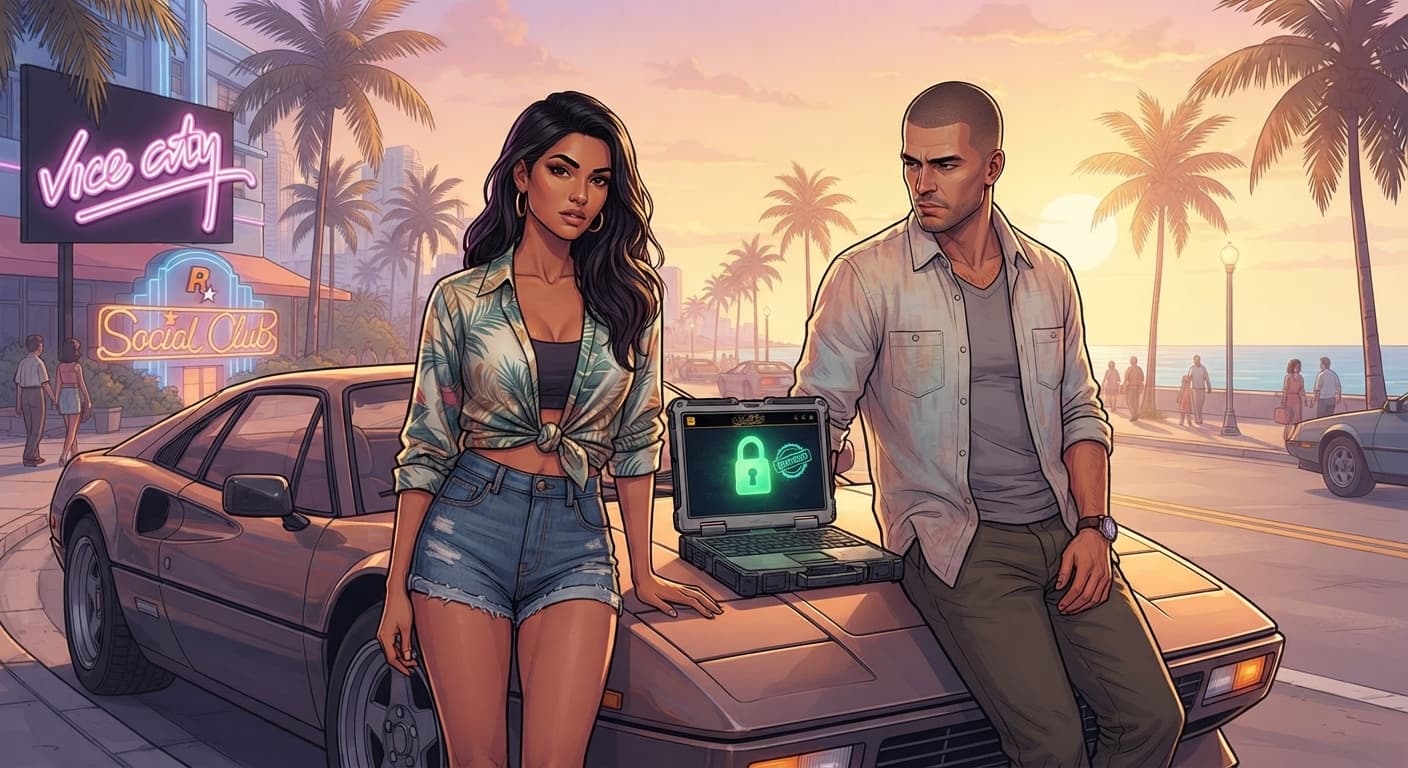
GTA 6 Account Security: How to Protect Your Email From Scams
With Grand Theft Auto VI approaching release, cybercriminals are running high-volume phishing operations targeting player credentials. Fake beta invites, interactive map scams, leaked build downloads, and fraudulent companion apps are designed to harvest account logins. Maintaining strong gta 6 account security comes down to one core principle: your Rockstar Games account is only as secure as the primary email address tied to it. Lose access to that inbox, and you permanently lose your digital game library, online progress, and linked platform licenses.
Understanding how to segregate your core identity from temporary web interactions prevents account loss while keeping your primary inbox off spam databases.
Disposable vs. Permanent Email: Strategic Separation
Account security relies on strict separation between your primary gaming identity and public online activities. Using the wrong email type in the wrong scenario will compromise your account or flood your inbox with unwanted junk.
Where Disposable Email Fails (High-Risk Pitfalls)
Never link a temporary, throwaway, or short-lived email address to your core gaming accounts. This includes your Rockstar Games profile, PlayStation Network account, Xbox network identity, Steam account, or Epic Games Store library.
Using a temporary inbox for your primary Rockstar account creates critical vulnerabilities:
- Permanent Lockout: Password resets and two-factor recovery links become impossible to access once the inbox expires.
- Ignored Security Alerts: Critical warnings regarding login attempts from unrecognised devices or IP addresses are lost.
- Failed Identity Verification: Rockstar Support cannot issue automated verification emails to a non-existent domain if your account is hijacked.
- Loss of Purchase Rights: If you lose access to the email linked to your purchased copy of GTA VI, you cannot prove ownership to restore your account.
For a detailed analysis of structural limitations, read our breakdown on Temp Mail Limits and Risks: What It Can't Do Safely.
Where Disposable Email Succeeds (Low-Risk Shielding)
Disposable addresses serve as a defensive buffer against external marketing spam and data harvesting. They should be used strictly for secondary services around the gaming ecosystem:
- Registering for third-party fan communities, unofficial forums, and fan-run Discord portals.
- Entering sweepstakes, game key giveaways, and promotional events on community blogs.
- Accessing gated content lockers, custom game mods, or standalone utility tools.
- Testing unverified web applications without exposing your personal email to database leaks.
For these non-critical tasks, leveraging a free temporary inbox from temp mail on Best-TempMail keeps your primary email isolated from marketing trackers and compromised databases without placing your official gaming credentials at risk.
Hardening Your Official Rockstar Games Account
Securing your account takes less than ten minutes. Follow these direct steps to lock down your credentials through official Rockstar Games settings.
Step 1: Access Official Account Portals Directly
Do not click emailed links, social media prompts, or search engine ad banners claiming to lead to account management pages. Open your browser and navigate directly to the official account portal at https://www.rockstargames.com/account. Bookmark this URL for future access.
Step 2: Update to a Secure, Permanent Primary Email
Verify that your profile uses an email inbox under your long-term control:
- Sign in to your Rockstar Games account.
- Click your profile avatar in the top-right corner and select Settings.
- Under the Profile tab, locate your current email address and click Edit.
- Input a private, permanent email address along with your current password.
- Click Submit Change Request and complete the verification link sent to your new inbox.
Crucial Advice: Avoid using educational (.edu) or workplace email domains. Once your status with that institution changes, you will lose control of the inbox and forfeit self-service account recovery options.
Step 3: Implement Unique, Complex Credentials
Rockstar Games mandates specific password structures:
- A length between 8 and 30 characters.
- At least one uppercase letter.
- At least one numerical digit.
Reusing passwords across gaming services invites credential-stuffing attacks. When a third-party website suffers a breach, automated bots systematically test captured email and password combinations against gaming platforms. Use a dedicated password manager to generate and store a unique passphrase for your Rockstar account.
Step 4: Enable Two-Step Verification (2FA)
Two-step verification requires a secondary token during login attempts, neutralizing credential theft from leaked passwords:
- Select your profile avatar in the upper-right menu.
- Navigate to Account > Manage Account > Security.
- Click Setup Authenticator.
- Open an authentication application on your mobile device (such as Google Authenticator, Microsoft Authenticator, or Twilio Authy) and scan the displayed QR code.
- Input the generated 6-digit code into the prompt to finalize activation.
Save your backup codes in a secure offline location. If you lose your mobile device, these codes represent your only path back into the account without manual support intervention.
Step 5: Secure Linked Console Accounts
Your Rockstar profile links directly to your console identities. If an attacker compromises your console account, they gain backdoor access to your linked Rockstar catalog:
- PlayStation 5 / PSN: On your console, navigate to
Settings > Users and Accounts > Account > Securityand turn on Two-Step Verification. Alternatively, manage settings via your web browser under your Sony Account Security page. - Xbox Series X/S / Microsoft Account: Sign in to your Microsoft Security dashboard online, select
Advanced security options, and enable Two-step verification.
Threat Vectors Specific to GTA VI Players
Scammers exploit player anticipation around high-profile releases. Recognizing specific attack channels protects your assets from takeover.
The Automated Rollback Safety Net
When an email change request is submitted on a Rockstar Games account, the system automatically sends a security rollback link to the original registered email address from [email protected]. The subject line reads "Rockstar Games Email Changed".
Clicking this rollback link instantly voids the change and reverts the account to its previous email address. If a hacker gains unauthorized access to your account and updates the primary email, this message is your primary recovery mechanism. If your account was registered using an expired disposable address, you lose access to this security net entirely.
To verify whether a suspicious security alert is genuine, evaluate the message headers using an email header analyser to confirm SPF, DKIM, and DMARC checks pass and originate directly from [email protected].
Cloned Google and Platform OAuth Windows
Phishing kits frequently host fake interactive maps, leaked soundtrack downloads, or early-access signups. These sites launch pop-up windows designed to mirror authentic Google, PlayStation Network, or Xbox login screens.
When you enter your credentials, the malicious script intercepts your account details in real time. Before entering credentials into any pop-up window:
- Drag the pop-up window outside the border of your main browser page. If it cannot move outside the browser border, it is a fake window rendered entirely in HTML/CSS.
- Verify the browser address bar inside the pop-up leads to official authentication domains like
accounts.google.comorlogin.live.com.
Fake Mobile Applications and APK Files
Rockstar Games has not published an official companion app, mobile build, or APK file for GTA VI. Malicious files distributed under names like "GTA 6 Mobile Companion.apk" across video descriptions or social media posts contain malware.
These applications run background scripts designed to hijack browser cookies, log keystrokes, intercept SMS authentication codes, or subscribe your mobile phone to premium carrier billing services. Download official applications exclusively through recognized platforms like the Google Play Store or Apple App Store.
Display Name Locking Mechanisms
Rockstar Games account policy restricts display name changes to once every 365 days. Special characters are also prohibited. If an attacker breaches your profile and changes your handle, self-service tools will not allow you to undo the change for a full year. Protecting your login credentials ensures your display identity remains secure.
Privacy Tools: Capabilities vs. Limits
Using privacy tools correctly requires understanding what tech solutions can and cannot accomplish.
What Disposable Email Protects
- Spam Isolation: Keeps promotional messages, tracking pixels, and bulk mail out of your personal inbox.
- Breach Containment: Prevents third-party database leaks from exposing your primary email address.
- Identity Decoupling: Ensures low-value web signups cannot be cross-referenced with your core personal identity.
What Disposable Email Does Not Protect
- IP Anonymity: Using a temporary email address does not hide your IP address, browser fingerprint, or physical location.
- Payload Inspection: Temporary inboxes do not filter or scan downloaded files for malware, keyloggers, or trojans.
- Long-Term Recovery: Temporary inboxes cannot store permanent communication histories required for ongoing identity verification.
Account Recovery Protocols for Lost Inboxes
If you lose access to the primary email tied to your Rockstar Games profile, standard self-service password resets will not work. Manual support recovery is required.
Escalating Through Rockstar Support
To recover an account when your email address is lost or compromised:
- Navigate directly to the official support link at
https://support.rockstargames.com/request/account/trouble-signing-into-your-account/lost-access-to-my-email-account. - Enter your current, operational email address where support agents can reach you.
- Provide verification proof confirming original account ownership:
- Digital purchase receipt numbers or order transaction IDs.
- Linked platform handles (PlayStation Network ID, Xbox Gamertag, Steam ID).
- Product activation codes originally redeemed on the account.
If you need a secondary address for ongoing communications while keeping full control, evaluate How to Create a Burner Gmail Account (And When Temp Mail Is the Better Choice) to manage intermediate registrations safely.
Frequently Asked Questions
Can I use a temporary email address for my main Rockstar Games account?
No. Using a temporary email for your primary Rockstar account removes your ability to receive password reset links, 2FA recovery prompts, and security rollback alerts. Once the temporary inbox expires, you risk losing access to your account and game library permanently.
What are the official password requirements for a Rockstar Games account?
Rockstar Games requires account passwords to be between 8 and 30 characters long. The password must contain at least one uppercase letter and at least one numerical digit.
How do I recover my Rockstar Games account if I lost access to my email address?
If you no longer have access to your registered email address, submit a manual recovery ticket via https://support.rockstargames.com/request/account/trouble-signing-into-your-account/lost-access-to-my-email-account. You will need to provide proof of ownership, such as linked console accounts or transaction IDs.
Is there an official GTA 6 companion app available for download?
No. Rockstar Games has not released an official companion app, mobile software, or downloadable APK for GTA VI. Download links claiming to offer early game access or companion features are malicious packages designed to serve intrusive ads or harvest personal data.
Related Articles
Temporary Email Security Myths: What's True and What Isn't
Separate fact from fiction with our guide to temporary email security myths. Discover what truly protects your data and keep your real inbox safe from spam.
Read More →PrivacyHow to Check if Your Email Was in a Data Breach
Easily check email data breach risks with our step-by-step guide. Discover if your passwords were exposed and learn how to secure your accounts today.
Read More →SecurityHow Phishing Emails Get Past Filters
Discover how phishing gets past filters and learn the latest defense strategies to protect your organization from advanced, evasive email threats.
Read More →SecurityWhy Breach Notification Emails Are Often Phishing
Don't be a victim! Learn why breach notification phishing is so common and discover how to verify security alerts to keep your personal data safe from hackers.
Read More →Your temp mail is ready right now
No signup, no password. A disposable inbox waiting the moment you open the page.
Get My Free Temp Mail →