

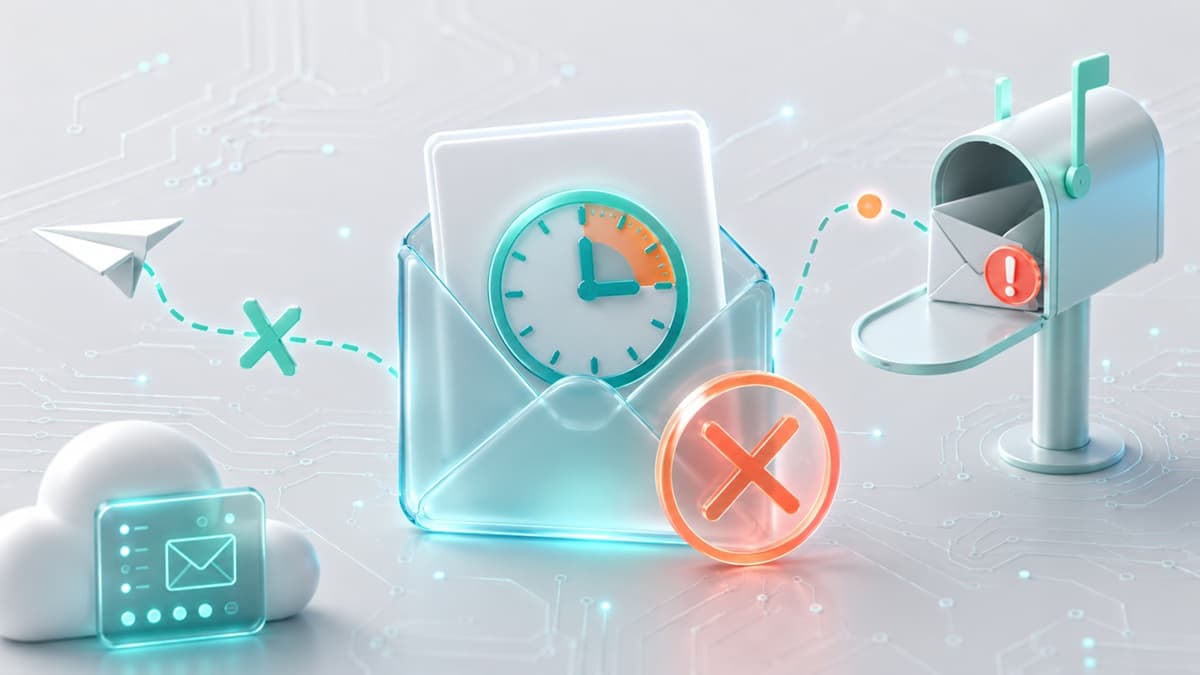
Why Your 10 Minute Mail Isn't Receiving Messages
You hit submit on a registration form, switch to your temporary inbox, and watch the countdown clock tick toward zero. The minute hand drops, but the verification code never arrives. You click "resend email," wait another three minutes, and still face an empty inbox.
When 10 minute mail not receiving messages stalls your registration, the issue almost always stems from silent domain dropping by the sender's anti-abuse gateway, background tab throttling inside your web browser, or heavy latency inside the target platform's outbound mail queue.
Modern web applications routinely screen sign-ups against real-time disposable email blocklists. When a match occurs, the front-end interface displays a success message ("Verification email sent!"), while the back-end silently destroys the outbound message to stop automated account creation.
Fixing delivery failures requires identifying whether the blockage sits with the target platform's abuse filters, your browser's resource settings, or the mail provider's network reputation.
5 Root Causes of 10 Minute Mail Not Receiving Emails
Tracking down a missing temporary message means following the delivery path from the sender's mail server down to your browser DOM. Below are the five technical friction points that block incoming messages, ranked from most common to least common.
- Target Service Gateway: Evaluates incoming sign-up addresses against risk engines.
- Abuse / Blocklist Check: Drops messages silently if the domain matches a disposable list.
- Outbound Mail Queue: Holds transactional emails during high server traffic.
- Provider DNS & Authentication: Rejects unauthenticated incoming mail lacking proper records.
- Browser Sync / Client Interface: Suspends auto-refresh polling when tabs run in the background.
1. Silent Domain Dropping by Abuse Engines
The primary cause of non-delivery is server-side shadow blocking. Web platforms integrate anti-fraud services that check registration domains against updated database lists of temporary email providers.
When an anti-abuse filter flags a throwaway domain, it rarely throws an explicit error like "disposable emails are forbidden." Exposing a direct rejection notice signals to automated scripts that their active domain is compromised, prompting an immediate switch to a new domain. Instead, platforms execute a shadow drop: the registration interface shows a green success banner, but the server suppresses the outbound dispatch entirely.
- Diagnosis: Send a plain-text email directly from a personal address (such as Gmail or Outlook) to your temporary inbox. If your personal message arrives instantly but the target site's code never appears, the site is actively shadow-blocking the temporary domain.
- Fix: Switch to a temporary mail service that actively rotates its domain inventory. Using fresh, unflagged domains bypasses static blocklists so verification messages pass through cleanly. To see how automated detection systems flag temporary domains, read our guide on why disposable email domains get blocked.
2. Browser Tab Throttling and Polling Drops
Legacy temporary mail tools fetch incoming messages using client-side HTTP polling, issuing server requests every 10 to 30 seconds. Modern desktop and mobile browsers aggressively throttle JavaScript timers and background network requests inside inactive tabs to preserve RAM and battery power.
If you jump to another tab to continue browsing or fill out secondary forms, your browser may freeze the inbox polling script. The verification code reaches the temporary mail server, but your screen will not update until you re-focus the tab or execute a manual refresh.
- Diagnosis: Check if incoming messages show up immediately after manually reloading the tab. If emails only appear after a hard refresh, browser tab sleep is halting automatic client sync.
- Fix: Keep your temporary mail tab pinned in a split-screen view or separate window while waiting for a code. Alternatively, rely on modern temporary mail platforms that stream incoming messages over live push connections rather than relying on legacy polling scripts.
3. Outbound Mail Queue Latency
Delivery failures do not always originate on the receiving side. E-commerce platforms running flash sales, high-traffic SaaS portals, and third-party authentication services frequently suffer from sender-side email queue congestion.
When transactional email gateways encounter high traffic spikes, verification messages back up in outbound sending queues for three to ten minutes. If your temporary address relies on a strict 10-minute lifetime, the inbox can self-destruct while the verification message is still queued on the sender's server.
- Diagnosis: Submit your request, then monitor the remaining lifespan on your temporary inbox. If five minutes pass without an incoming message or block notice, the delay sits in the sender's outbound dispatch queue.
- Fix: Extend your temporary inbox duration as soon as you open the page if you know the destination service handles heavy traffic. Avoid clicking "Resend Code" repeatedly; multiple rapid requests trigger sender rate limits, resetting your queue placement or causing permanent address bans.
4. Broken Domain Records and Infrastructure Drops
Email networks enforce strict authentication policies to prevent spam and identity impersonation. When a temporary mail provider runs misconfigured infrastructure—such as invalid authentication headers or misaligned routing records—receiving mail transfer agents drop incoming messages before they hit the user's inbox.
Incomplete DNS setups cause intermediate relay servers to treat incoming traffic as untrusted spam, triggering silent drops before reaching the inbox. To inspect how domain setup impacts deliverability, read our guide on how to check SPF, DKIM, and DMARC for any domain.
- Diagnosis: If a temporary inbox fails to receive messages from every sender (including test messages dispatched from your personal address), the provider's domain infrastructure is misconfigured.
- Fix: Avoid unverified, low-quality temporary address tools. Stick with established platforms that actively monitor and maintain valid domain authentication standards across their entire domain fleet.
5. Premature Lifetime Expiration
A common operational mistake happens when users open a temporary mail service, copy an address, and spend eight minutes filling out long sign-up forms before hitting submit. By the time the web app sends the verification email, the inbox timer has expired.
The moment a temporary inbox countdown hits zero, the underlying server deallocates the mailbox. Any incoming email routed to an expired address bounces back to the sender as undeliverable, making message recovery impossible.
- Diagnosis: Review the active timer balance on the inbox at the exact moment you click submit on the sign-up form.
- Fix: Complete all registration form fields on the target site first, generate a fresh temporary email address right before submitting, and paste it immediately.
60-Second Diagnostic Sequence
If your verification code is missing, run this diagnostic sequence to pinpoint the exact bottleneck:
- Run a Personal Ping Test: Send a plain-text email from your personal address to the temporary address.
- Personal email arrives immediately: The temporary inbox is fully functional. The target platform is shadow-blocking the domain or suffering from sender queue delays.
- Personal email fails to arrive: The temporary mail service is down, suspended by your browser, or experiencing infrastructure failures.
- Trigger a Manual Hard Refresh: Reload the temporary inbox tab using
Ctrl + F5(Windows) orCmd + Shift + R(Mac).- Code appears immediately: Browser background tab throttling paused the auto-refresh script.
- Inspect the Remaining Lifespan: Check the remaining time on the inbox clock.
- Less than 3 minutes remaining: Click the timer extension button immediately to add time before requesting a resend.
Choosing the Right Inbox Strategy
Temporary email tools are built for short-term interactions. Matching the correct inbox type to your task prevents account lockouts and delivery failures.
Recommended Use Cases
- E-Commerce Promo Codes: Claiming one-off sign-up discounts without exposing your primary inbox to marketing sequences.
- Gated Content Downloads: Accessing whitepapers, research documents, software builds, or PDFs that require an email submission before downloading.
- Public Wi-Fi Portals: Completing mandatory splash page registrations at airport, hotel, or venue Wi-Fi hotspots without handing over private contact details.
- Single-Session App Evaluations: Testing new online utilities, web apps, or digital services to inspect features before providing primary contact information.
High-Risk Use Cases (Avoid Ephemeral Inboxes)
- Financial and Banking Platforms: Opening accounts with banks, payment processors, or stock brokers that require ongoing identity validation and security notices.
- Primary Social Media Profiles: Creating core profiles on major networks, where automated risk flaggers regularly lock accounts and demand re-verification.
- Long-Term SaaS Subscriptions: Registering software services you intend to use over extended periods. Losing access to the initial registration inbox makes future password resets impossible.
Protocol for High-Deliverability Sign-Ups
Follow this operational routine to maximize inbox delivery rates and prevent missed activation codes:
- Fill Out the Registration Form First: Enter your desired username, password, and form fields on the destination site before opening a temporary mail generator.
- Generate a Fresh Address: Open your temporary mail provider and create a new address to ensure you have the full clock duration available.
- Use Direct Clipboard Copying: Click the provider's native "Copy to Clipboard" button rather than manually highlighting text to avoid copying hidden spaces or trailing characters.
- Keep the Inbox Tab Active: Keep the inbox tab open and visible on screen to prevent your browser from putting client update scripts to sleep.
- Extend Timers Early: If ninety seconds pass without receiving a code, extend your inbox timer before requesting a new code on the target platform.
For long-term testing needs or recurring sign-ups, consider leveraging an advanced email generator or adopting a dedicated disposable email strategy.
Reliable Temporary Inboxes with Best-TempMail
When typical throwaway inboxes fail to receive verification messages, moving to a platform built for maximum deliverability eliminates the bottleneck. Best-TempMail delivers free disposable addresses optimized to pass strict security checks without registration.
Best-TempMail processes incoming traffic over low-latency connections, rendering incoming messages directly in your browser without requiring manual page reloads.
To bypass aggressive domain blocklists, Best-TempMail continuously rotates a clean inventory of custom domains backed by verified authentication records. Users can run standard temporary inboxes or switch to flexible temporary addresses extended with a single click. The service also features native extensions for Chrome, Firefox, and Edge, alongside a suite of utility applications available at /tools.
Frequently Asked Questions
Why does a website say "Verification Code Sent," but my inbox stays empty?
Web portals display generic success messages regardless of whether their mail server actually sent the message. If the platform's anti-abuse filter detects a disposable domain, it accepts your form submission on screen but quietly drops the outgoing email to block automated bots.
Can I recover an expired 10 minute mail address to get a delayed code?
Once the countdown clock hits zero on a standard temporary mail service, the mailbox and its associated messages are permanently deleted from server memory. Messages sent to an expired address bounce back to the sender. Extending your timer before expiration is the only way to safeguard incoming mail.
Do VPNs or ad blockers cause temporary mail delivery failures?
VPNs and ad blockers do not interrupt server-to-server email delivery. However, aggressive privacy extensions or script blockers can stop the client-side JavaScript needed to refresh your inbox automatically. Pausing script blockers on your temporary mail tab restores real-time updates.
How do I fix 10 minute mail non-delivery on strict platforms?
If a web application blocks standard disposable addresses, switch to Best-TempMail to access fresh, unflagged domain pools. Choosing a longer-lived temporary inbox also gives delayed mail queues enough time to deliver queued messages. For further troubleshooting steps, read our guide on fixing temp mail OTP delivery issues.
Your temp mail is ready right now
No signup, no password. A disposable inbox waiting the moment you open the page.
Get My Free Temp Mail →