

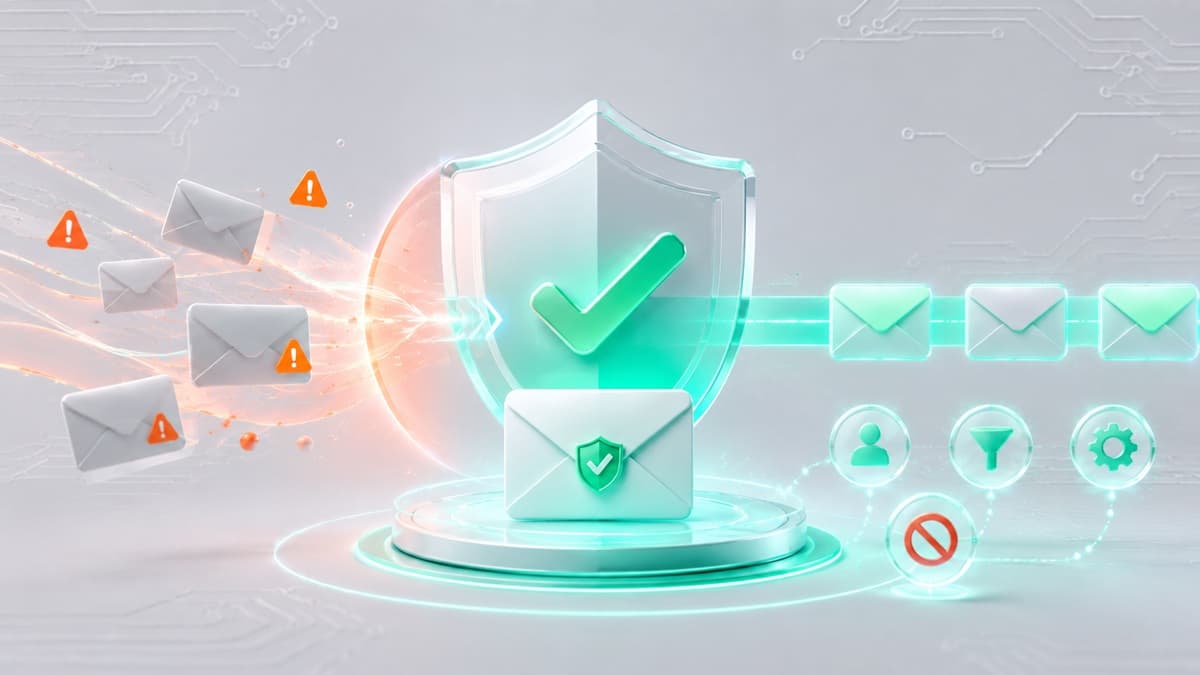
How to Stop Spam Emails for Good: A Realistic Plan
Stopping spam requires a disciplined, two-front approach: aggressive inbox cleanup using your provider’s built-in controls and proactive address isolation to prevent future leaks. To eliminate unwanted mail immediately, mark unsolicited messages as spam, utilize server-level unsubscribe headers, configure explicit filtering rules, and stop entering your personal address on public forms by using a disposable email for temporary web signups.
Step-by-Step Instructions: How to Stop Spam Emails
1. Train Your Provider’s Spam Engine
Deleting junk mail hides the problem, but it leaves your mailbox vulnerable to the next campaign. When you simply delete a message, your provider’s underlying filtering engine learns nothing about the sender's payload or delivery infrastructure.
Instead of hitting the trash icon, select Report Spam or Mark as Junk. This action feeds the raw message headers, sending IP address, and payload signatures directly into your provider's machine-learning security models. Email infrastructure relies on authentication standards to block illegitimate senders; to understand how these technical checks function, read our comprehensive DMARC inspector guide.
Consistently reporting unsolicited mail trains the incoming edge servers to recognize similar patterns, diverting future attempts from the same network straight to the spam folder across millions of accounts.
2. Rely Exclusively on Native Unsubscribe Headers
When dealing with legitimate commercial marketers, mailing list updates, or retail newsletters, unsubscribing is effective. However, manually scrolling to the bottom of an email body to click a tiny "Unsubscribe" text link carries severe security risks. Bad actors embed malicious scripts or unique tracking parameters inside body links to confirm that an address is active.
Always use the native unsubscribe link located at the top of your email client's interface next to the sender's address details. Modern email platforms parse header metadata (specifically RFC 8058 standards) to send a direct, background request to the originating mail server. This cancels your subscription safely without requiring you to open external web browsers or load risky remote assets.
3. Build Precision Domain and Keyword Rules
When recurring marketing blasts or aggressive affiliate networks bypass baseline filters, manual rule creation provides an immediate safety net. Configure specific filtering rules within your email provider's settings menu:
- Gmail: Click the gear icon (Settings) > See all settings > Filters and Blocked Addresses > Create a new filter. Enter offending keywords or domains into the From or Has the words fields. Click Create filter, then select Delete it or Skip the Inbox (Archive it).
- Outlook.com: Select the gear icon (Settings) > Mail > Junk email. Under Blocked senders and domains, select Add, type the domain or exact address, and confirm. You can also build strict routing rules under Mail > Rules.
- Yahoo Mail: Click Settings > More Settings > Filters. Select Add new filters, assign a descriptive name, define rules matching the sender address or subject line, and set the destination folder to Trash.
- Apple Mail (Desktop & iOS): Navigate to Preferences (or Settings on mobile) > Mail > Blocked. Add persistent senders directly to your blocked contact list and set incoming mail from blocked addresses to move automatically to the Bin.
4. Isolate Your Primary Identity From Public Web Forms
The root cause of inbox decay is address overexposure. Every time you submit a personal email address to download a gated document, access public Wi-Fi, participate in online forum discussions, or redeem e-commerce discount codes, your contact data enters commercial tracking networks. Data brokers aggregate and sell these lists, guaranteeing that your address eventually reaches automated spam networks.
Establish a strict boundary: reserve your primary address exclusively for essential communications such as banking, government services, medical portals, and trusted personal contacts. For temporary signups, routine web browsing, and unverified software demos, utilize specialized online email tools to keep your authentic inbox completely disconnected from marketing databases.
Why Basic Inbox Filtering Fails Against Modern Spammers
Understanding the limitations of standard email filters explains why manual cleanup alone cannot keep an inbox permanently clean. While built-in provider security blocks predictable marketing blasts, professional spam operations use sophisticated techniques designed to bypass keyword scanners and IP blocklists.
IP and Domain Rotation (Snowshoeing)
Mass spammers do not send millions of messages from a single server. They distribute tiny volumes across thousands of freshly registered domain names and clean IP addresses. By spreading traffic thin—a technique known as snowshoe spamming—they prevent automated reputation engines from triggering high-volume flags until thousands of messages have already landed in user inboxes.
Dynamic Content Mutation
Modern junk mail uses automated mutation engines to alter body copy, subject lines, and invisible HTML code for every single recipient. By randomizing character sets, substituting zero-width white spaces, and embedding text within image files rather than raw code, spammers bypass traditional static keyword filters.
Dark Web Leak Aggregation
Once a database breach occurs at a commercial web service, compromised email addresses are combined into massive credential and target lists traded across illicit forums. Once an address is indexed on these public target lists, it is targeted by automated script engines operating globally, rendering basic blocking rules insufficient.
Inbox Audit: Salvaging Your Account vs. Starting Fresh
Before spending hours attempting to clean an overcrowded mailbox, conduct an objective evaluation to decide whether your current account is worth defending or if you should migrate to a clean address.
Scenario A: Salvage Your Existing Address
Your current email account is worth restoring under the following conditions:
- The overwhelming majority of unwanted messages consist of legal commercial communications, newsletters you previously consented to receive, or known store promotions.
- Your address is deeply integrated into essential services, including primary bank accounts, home utilities, employer contact lists, and critical legal services.
- The total volume of junk entering your main inbox is manageable—fewer than 20 to 30 unwanted messages per day—and responds well to basic provider marking features.
Scenario B: Abandon and Migrate
You should abandon the account and establish a secure, clean address under the following conditions:
- You receive dozens of daily phishing attempts, extortion scams, or messages containing dangerous attachments.
- Your mailbox continuously receives delivery failure notifications (bounce messages) for emails you never sent, indicating that bad actors are actively using your address as a spoofed sender.
- The mailbox contains tens of thousands of unread messages, is disconnected from vital infrastructure, and was exposed in multiple major security breaches over several years.
Critical Mistakes That Multiply Your Spam Volume
Many standard reactions to junk mail actually increase the amount of spam delivered to your inbox. Avoid these high-risk errors:
- Clicking Unsubscribe Links in Suspicious Emails: Never click "unsubscribe" inside an unfamiliar, non-branded message. Spammers utilize these links as verification honeypots. Clicking the link triggers an HTTP request that confirms to the sender that your mailbox is active and monitored by a real human, instantly elevating your email address to high-value mailing lists.
- Replying Directly to Spam Messages: Replying with words like "STOP", "REMOVE", or aggressive complaints validates your mailbox activity. Automated systems log the response and add your address to priority target queues.
- Auto-Loading Remote Email Images: HTML emails often contain invisible 1x1 tracking pixels hosted on remote servers. When your email application automatically renders images, your IP address, general location, and exact time of opening are logged by the sender. Disable automatic image rendering in your email client's privacy settings.
- Reusing Your Primary Address Across Web Forms: Entering your core address into public web forms creates an ongoing supply of unwanted promotional messages. Review our dedicated guide on how to avoid spam to construct an effective defense system around your digital identity.
Proactive Prevention: Shielding Your Inbox with Best-TempMail
The most effective way to eliminate spam long-term is to stop distributing your primary email address to unvetted web services. Best-TempMail provides an instant secondary layer of privacy, offering free, fully functional temporary email addresses that require no registration, passwords, or personal data submission.
By deploying Best-TempMail addresses for online registration forms, Wi-Fi logins, and file downloads, you establish a disposable buffer. Verification emails and multi-factor authorization codes reach your browser interface instantly, allowing you to complete signups without exposing your true contact information. Once the temporary address expires or is discarded, any residual promotional blasts or harvested spam land in a non-existent mailbox, leaving your personal inbox immaculate.
Frequently Asked Questions
Why am I suddenly getting so much spam?
A sudden spike in junk mail usually means your address was part of a recent corporate data breach or was scraped from a public directory by an automated web crawler. Once added to fresh dark web target lists, your address is targeted simultaneously by multiple automated marketing systems.
Is it safe to click the unsubscribe link in an email?
It is safe to use unsubscribe links from reputable, established companies and services you explicitly signed up for. For unverified, suspicious, or explicit spam, never click links within the email body. Use your email provider's native unsubscribe interface at the top of the window, or mark the email as spam.
Can spammers tell when I open an email?
Yes. Spammers routinely insert microscopic, transparent tracking pixels into HTML body code. If your email reader automatically downloads remote images upon opening the message, the remote server registers that the email was opened, confirming that your address is active.
How does Best-TempMail prevent spam from reaching my main account?
Best-TempMail generates temporary, isolated mailboxes for instant site verifications, trial signups, and online downloads. Because these addresses vanish automatically and operate completely independently from your personal account, marketing campaigns, newsletters, and spam lists never obtain your real address.
Your temp mail is ready right now
No signup, no password. A disposable inbox waiting the moment you open the page.
Get My Free Temp Mail →