Pick the one that fits how you use temp mail. Both are free, need no account, and work with the same service you already use here.

A free disposable address in one tap, with no signup, no password and nothing personal. Run up to three mailboxes at once and swipe between them. Verification codes and OTPs appear the moment they arrive over a live connection, and push notifications reach you even when the app is closed. Addresses last three days, so it holds up for trials and sign-ups you come back to.

A temporary inbox with a countdown running down the screen. It expires after ten minutes, and a single tap resets the clock when you need longer. Same one-tap setup and the same live inbox, built for the sign-up you will never think about again. Grab the code, close the app, and nothing is left behind.
Android asks for permission before installing anything that did not come from the Play Store. It takes about thirty seconds, and you only do it once.
Tap the green Download button above. Your browser may ask whether to keep the file. Choose Download anyway or Keep. It saves to your Downloads folder.
Tap the downloaded file. The first time, Android will say your browser is not allowed to install apps. Tap Settings in that message, turn on Allow from this source, then press back.
On Samsung this is called Install unknown apps; on Xiaomi and Redmi it sits under Special permissions. The wording differs, the step is the same.
Android may run a quick safety scan and show Install anyway. That prompt appears for every app that did not come from the Play Store, and it is not a warning about this app specifically. Tap it, and you are done.
Because the file came from a website rather than the Play Store, Android cannot vouch for it automatically, so it asks you to. The same warning appears for every app installed this way, including ones from large companies. If you would rather skip it, the Amazon Appstore version installs without any of these steps, and the Play Store release is on its way.
Built on the same mail servers that run this site, with proper authentication and rotating domains, so verification codes actually arrive, and they arrive in seconds rather than whenever the app next checks.
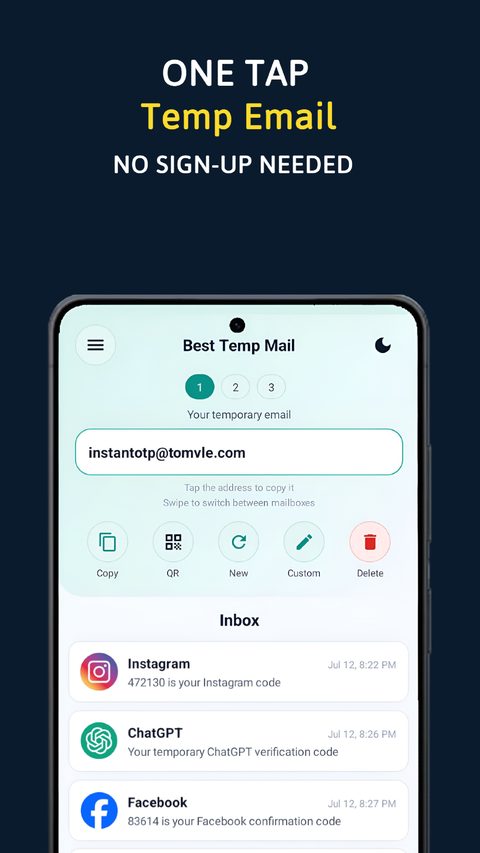 Codes land in real time
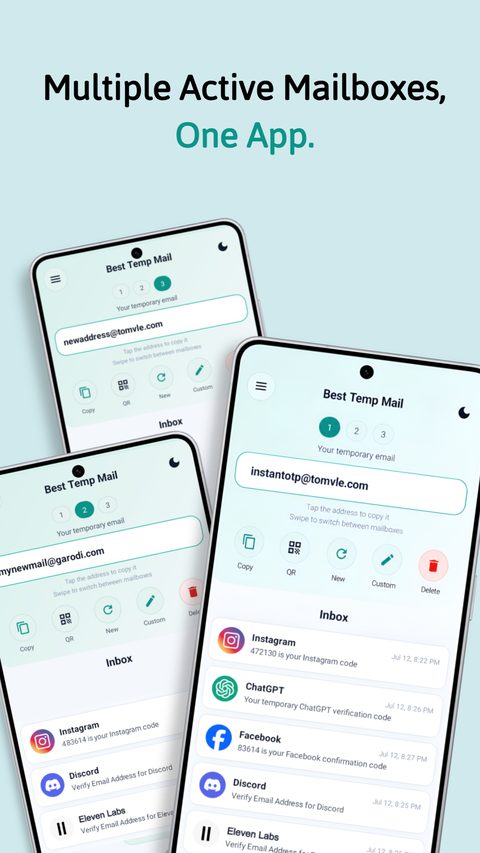 Three mailboxes at once
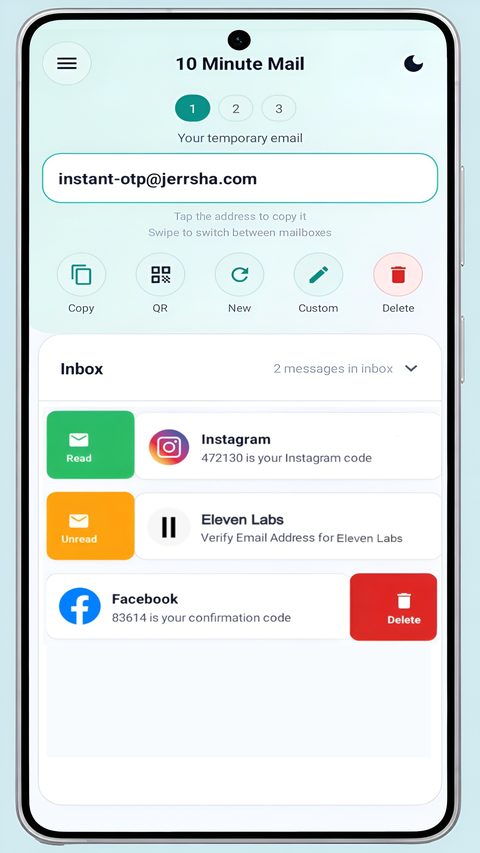 A countdown you can reset
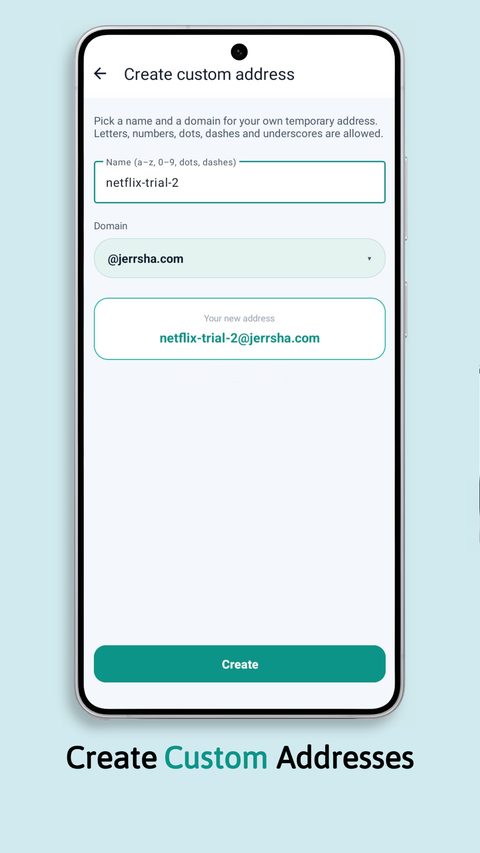 Pick your own name
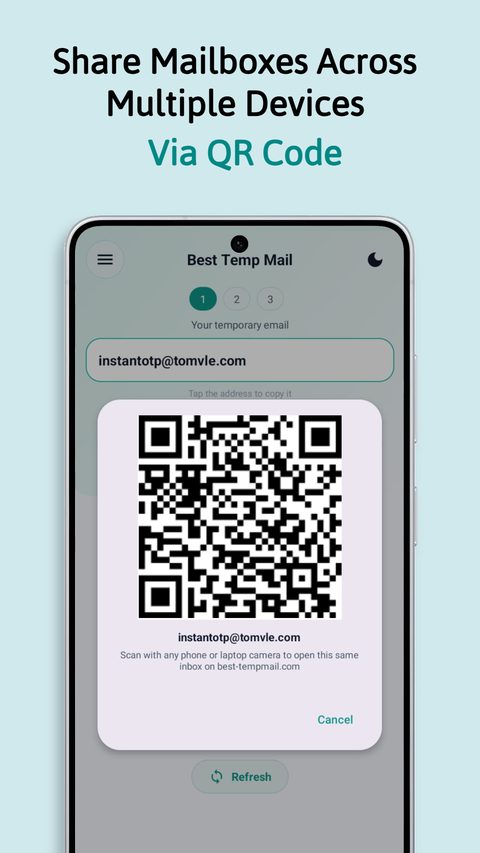 Scan to continue on desktop
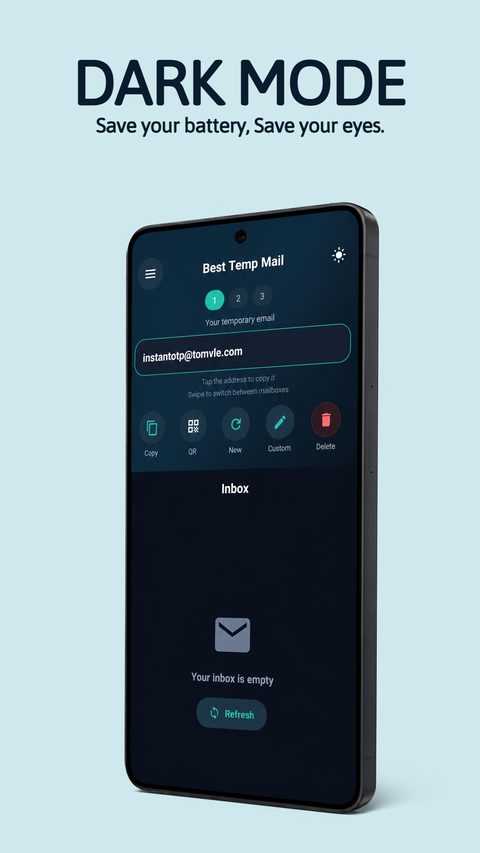 Dark mode throughout
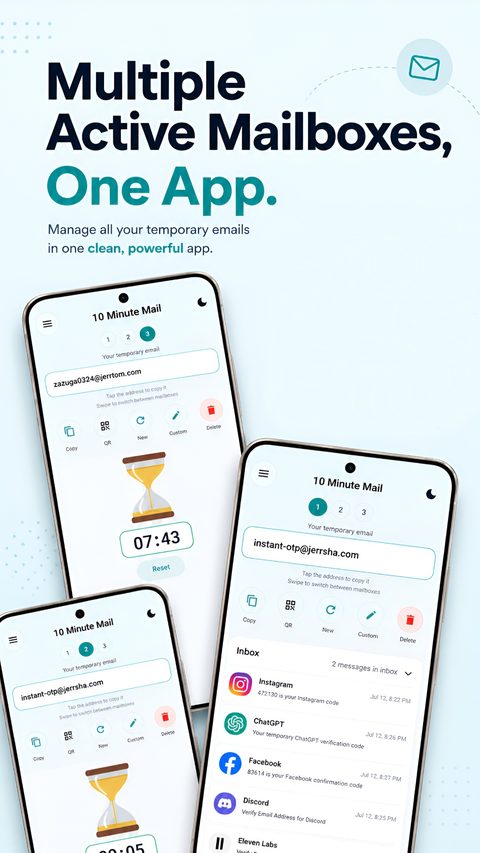 Several inboxes, one app
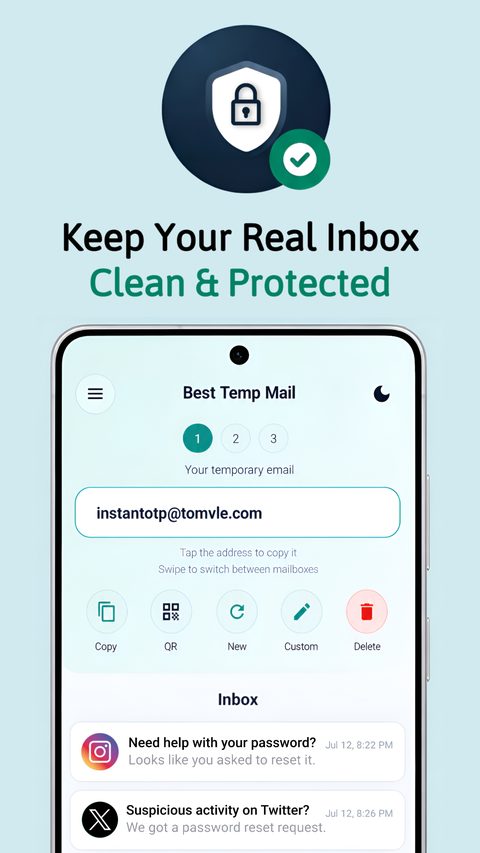 Nothing tied to you
If you sign up for trials or anything you might return to, take Best Temp Mail, because addresses last three days and you get three at once. If you just need a code and then want it gone, 10 Minute Mail is the lighter choice. Nothing stops you having both.
Yes, and there is nothing to buy. Ads pay for it: a small banner sits under the inbox, and a few optional extras such as custom addresses, extra mailboxes and additional domains ask you to watch a short ad first. You always choose whether to watch one.
No. No signup, no password, no phone number. Open the app and you have a working address straight away.
Not when installed this way. Apps downloaded from a website do not update automatically. Come back here for newer versions, or install from the Play Store once it is live and updates take care of themselves.
Yes. Open the QR option in the app and scan it with your computer, and the same inbox opens here on best-tempmail.com, with nothing to type and no login.
Android 8.0 or newer, which covers almost every phone still in use.

